UniFi Display Cast
Digital signage for UniFi Display Cast
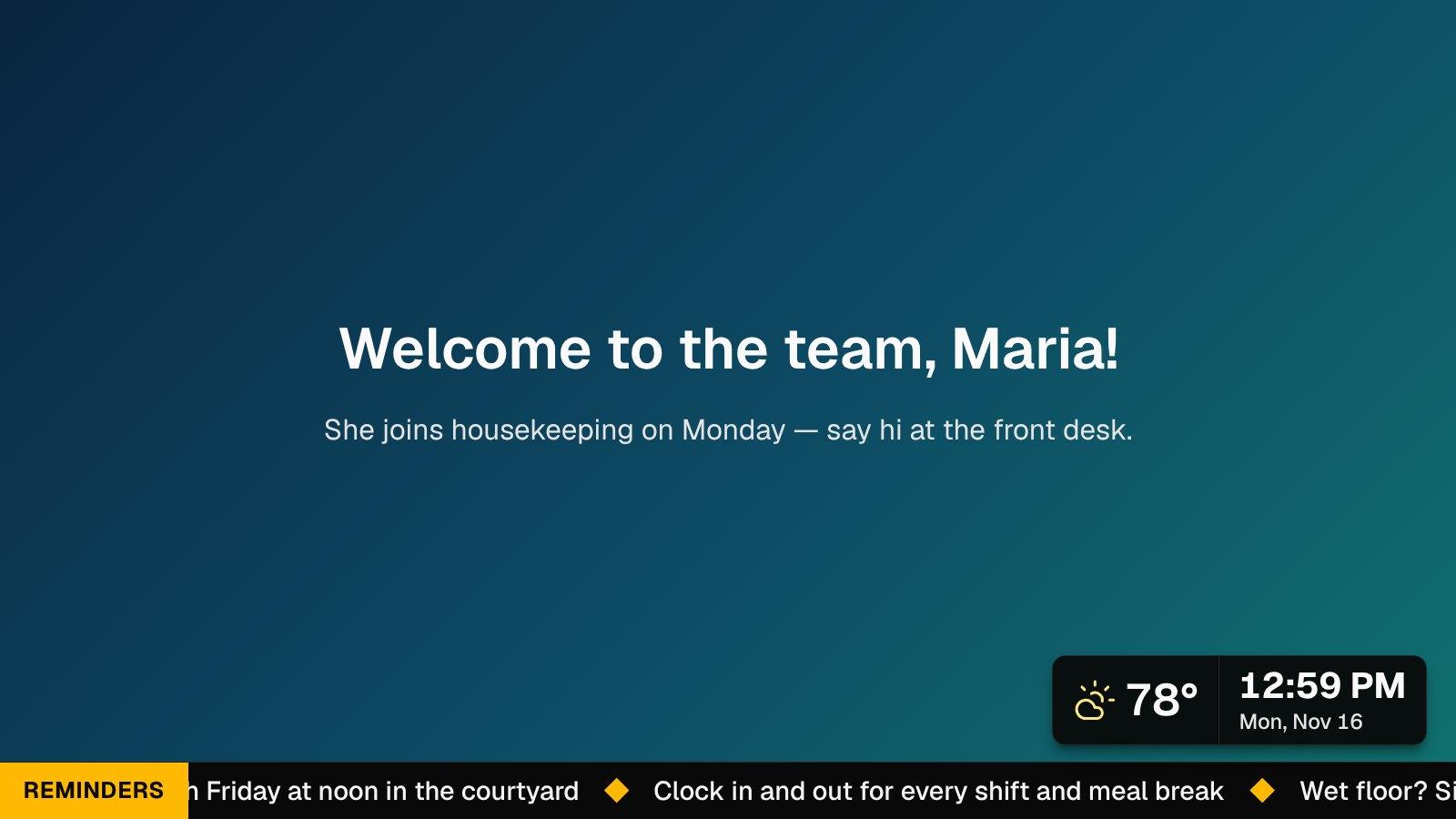
A Cast shows one web page, full screen, for as long as it's on. Give it a screen's address once and run what it shows from your phone: announcements, weather, schedules, menus and more.
Free for 15 days. No card needed. Then $8 a screen each month.
How it works
One address, pasted once
- 1
Add a screen
Name it — Break room, Lobby, Front desk — and copy its address.
- 2
Paste it into the Cast
In UniFi Connect, switch the Cast to Web Mode and paste the address. Once.
- 3
Never touch the device again
Everything after that is done from a laptop or your phone, and reaches the TV within a minute.
Built on a Cast
FYI Wall was made on UniFi Display Casts and runs on them every day.
Nothing to install
Web Mode is all it uses: no app, no controller plug-in, no firmware to match.
Keeps playing offline
The Cast stores its playlist and pictures, so a dropped connection doesn't mean a blank TV.
Tells you when one goes dark
An email, Teams or Slack message when a screen stops checking in, and when it's back.